
Connect Your Lab Systems and Automate Manual Work That Wastes Research Time
Manual data transcription between instruments and notebooks wastes hours every week. Disconnected systems create data silos, errors, and frustration. Our integration and automation services connect ELabELN to your instruments, LIMS, and other lab systems so data flows automatically where it needs to go. Stop being a human copy-paste machine and start spending time on actual research.

Integration Services That Eliminate Manual Work and Connect Your Lab Ecosystem
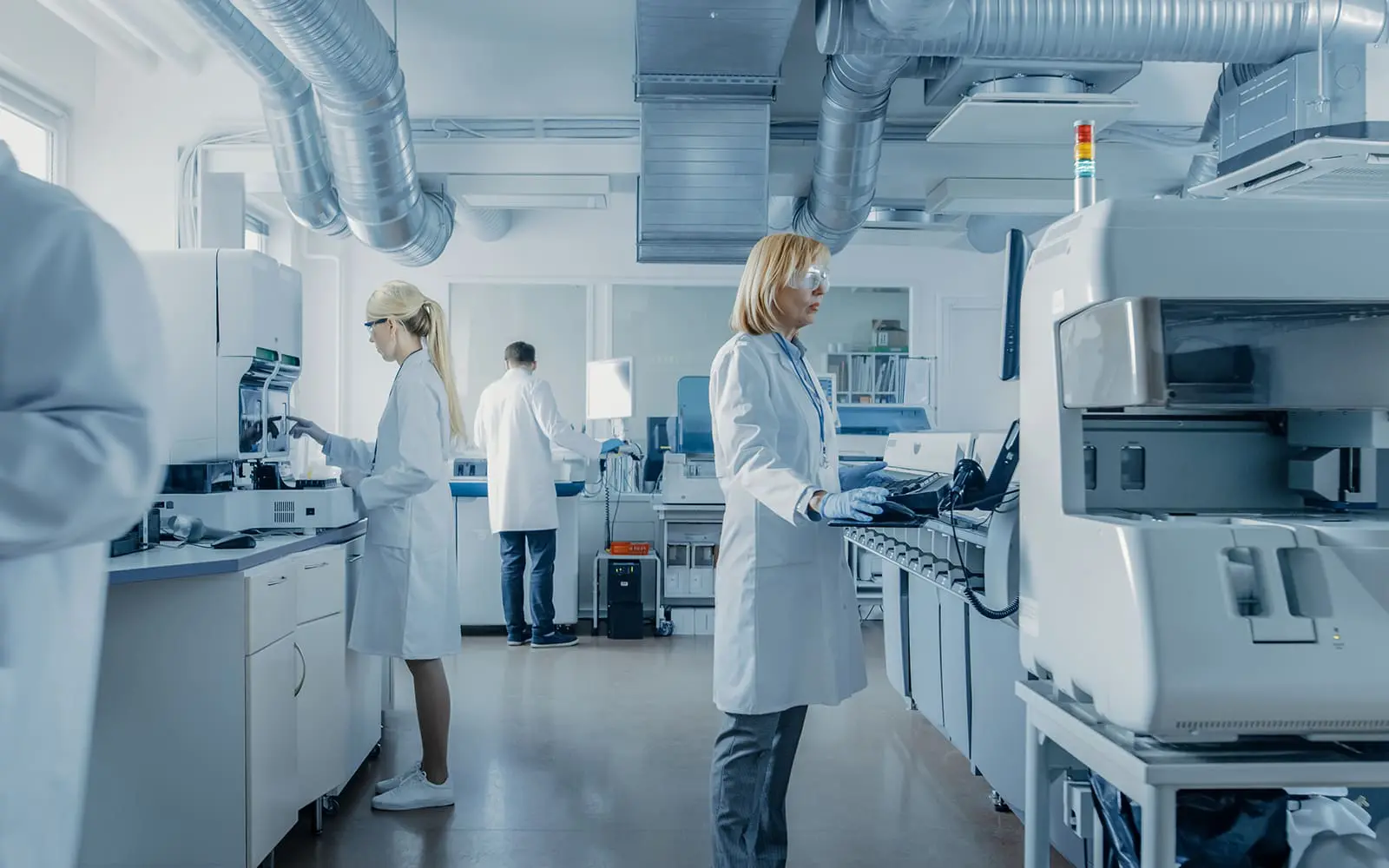
How much time does your lab lose each week copying data from instruments to spreadsheets to notebooks? Every manual transfer is an opportunity for error, and every disconnected system means someone has to bridge the gap manually. Our integration and automation services eliminate this friction. We connect ELabELN to your existing instruments, LIMS, inventory systems, and specialized software so data flows automatically. Plate readers transfer results directly to experiments. Instrument files import and parse without manual intervention. Workflows trigger automatically based on experimental conditions or results.
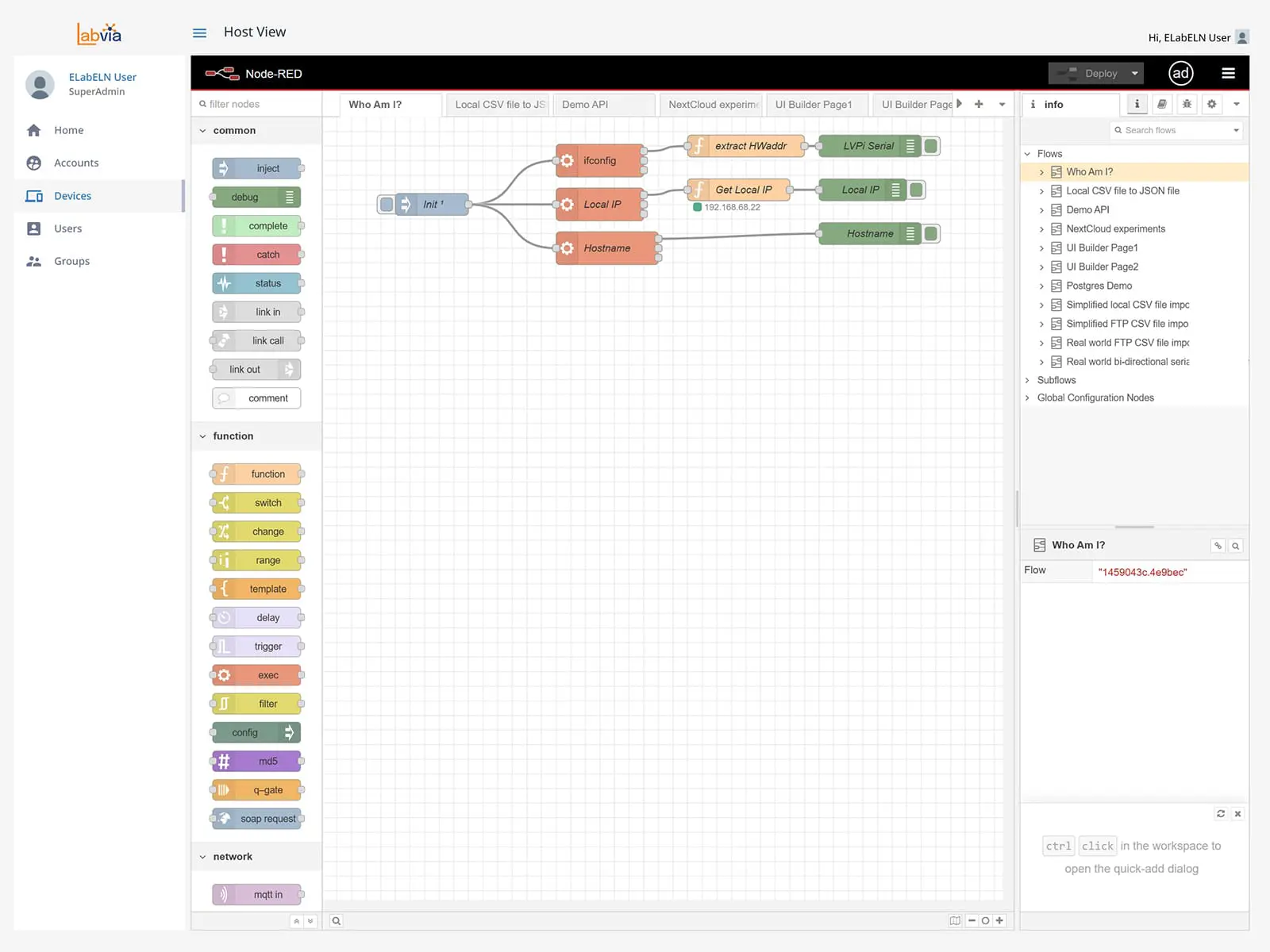
Integration complexity varies dramatically based on your systems and requirements. Simple file imports might take hours to configure. Complex multi-system integrations with bidirectional data flows and conditional logic might take weeks. Our team assesses your specific needs, provides transparent estimates, and builds custom solutions using ELabELN's REST API, LabVia workflow automation platform, and direct instrument connectivity protocols. We don't just connect systems, we ensure integrations work reliably in your real lab environment and provide documentation so your team understands and maintains them.
Stop losing research hours to manual data copying. See how custom integration transforms disconnected systems into seamless workflows.
Complete Integration and Automation Services for Connected Lab Operations
Our integration and automation services cover everything from simple file imports to sophisticated multi-system workflows with IoT monitoring and AI-powered analysis. Whether you need to connect a single instrument or orchestrate complex data flows across your entire lab ecosystem, we build custom solutions that eliminate manual work and ensure data integrity throughout your research operations.
Instrument Integration Services
Direct Instrument Connectivity
Access detailed articles covering every feature, common workflows, and troubleshooting guides. Search by topic or browse categories to find answers to frequently asked questions instantly.
Automated File Import Configuration
Set up automatic imports for instrument data files. We configure ELabELN to recognize your specific file formats, parse data correctly, and attach results to appropriate experiments without manual intervention.
Custom Equipment Integration
Build integrations for proprietary or specialized instruments using custom protocols. We work with your equipment's specific data outputs, APIs, or communication methods to enable seamless ELabELN connectivity.
System Integration Services
LIMS Integration and Data Synchronization
Connect ELabELN with your existing LIMS for bidirectional data exchange. Samples, test results, and metadata synchronize automatically between systems, eliminating duplicate entry and ensuring consistency across platforms.
Database Integration and Queries
Integrate ELabELN with internal databases, data warehouses, or specialized applications. Custom queries pull relevant data into experiments automatically or push ELabELN data to downstream systems for analysis.
Third-Party Application Integration
Connect ELabELN to inventory management systems, equipment scheduling platforms, enterprise resource planning tools, or any other lab software. Build a unified lab ecosystem where data flows seamlessly.
Workflow Automation Services
Visual Workflow Development with LabVia
Build sophisticated automated workflows using LabVia's visual programming platform. Chain together instrument data capture, analysis steps, approval processes, and notifications without traditional coding.Event-Driven Automation Configuration
Set up automation triggered by specific conditions, data thresholds, or experimental results. Automatic alerts when cultures reach density targets, workflows that initiate when instrument runs complete, or approvals triggered by data quality checks.
Multi-Step Process Orchestration
Design and implement complex workflows that coordinate multiple instruments, systems, and manual steps. Ensure proper sequence, handle exceptions, and maintain complete audit trails throughout automated processes.
IoT and Advanced Integration
IoT Sensor Integration
Connect environmental sensors, equipment monitors, or custom IoT devices to ELabELN. Real-time monitoring with automatic alerts when conditions drift outside acceptable parameters protects experiments and samples.
LabVia Hub Setup and Configuration
Deploy and configure LabVia Hub devices for on-premise IoT integration and instrument connectivity. Central connection points that bridge legacy equipment, modern instruments, and cloud-based ELabELN seamlessly.AI-Powered Automation Implementation
Implement machine learning models that analyze experimental data automatically, flag outliers, suggest optimal conditions, or predict outcomes. Transform raw data into actionable insights without manual review.
Begin with Built-in Integrations, Expand with Custom Connections
"*" indicates required fields